
Decades of moments, safely yours
From vintage film photos to today's selfies, every memory deserves a safe home.

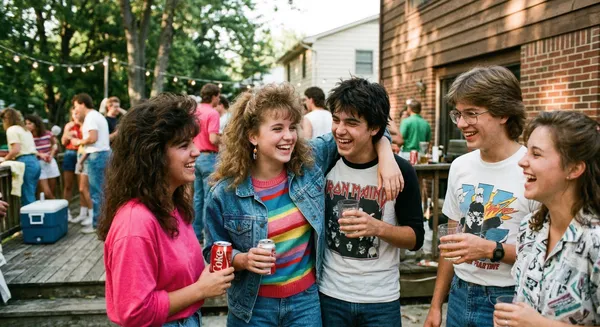 1987

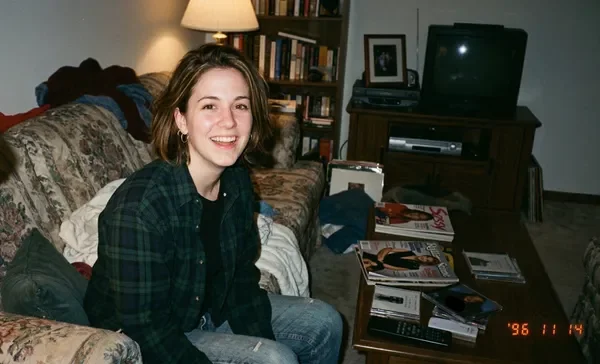 1996
 Class of '88

Before Bombajom, and with it
Four moments most families know. Each "with" line is what the app does today.
| Moment | Before | With Bombajom |
|---|---|---|
| The birthday party. | Storage full halfway through the candles. You delete videos to make room and hope they were saved somewhere. | The Photos tab marks every photo that is already backed up to your storage at home. |
| The bill that went up again. | Your cloud plan filled up, so you moved to the next size and paid more. | You pay Bombajom for the people on your plan, not for gigabytes. When the drive fills, a bigger drive is a one-time purchase. |
| The phone left in a taxi. | Everything since you last plugged into a computer goes with it. | Every photo the phone had backed up is on your drive at home, including ones sent through Backup from anywhere while you were away. The app shows when your storage at home last confirmed a photo. |
| The kids' photos on three phones. | Each phone has its own camera roll, and the school play is on someone else's. | Phones in the household can all back up to the same storage device at home. On the Family plan, relatives in another house join with an invite link, and shared albums gather the photos you each pick. |
Your photos, on storage you own
Your backup sits on hardware you own, as ordinary files you can move.
| Cloud services | Bombajom | |
|---|---|---|
| What you pay for | Usually storage space, so a bigger library costs more | The people on your plan, not gigabytes. The Family plan covers up to 12 people. |
| You control the storage | No | Your hardware |
Detailed comparisons: vs Google Photos · vs Immich · vs Synology Photos
Up and running in 5 minutes
Install the app on your computer and your phone
The computer keeps your photos. The phone sends them. Both are on the download page. The iPhone app is coming soon.
Choose where photos go
Pick a drive plugged into the computer. Already own a storage device such as a Synology or QNAP? The phone app can back up straight to it, without the computer app.
Scan the code to link them
The computer app shows a code. Scan it with the phone app, and backups start.
Common questions
Can I open my photos without the app?
Yes. Your photos are saved as ordinary files on your own storage, so you can open them without Bombajom.
What happens if I cancel?
When your plan ends, new backups pause. Nothing is deleted: every photo already backed up stays on your storage, and you can still open it, with or without Bombajom.
What if my drive stops working?
Your phone can back up to more than one place at once, such as two computers, or a computer and a storage device such as a Synology or QNAP. Each place gets its own copy. Your photos also stay on your phone until you delete them.
Do my photos go through your servers?
On your home network, photos go straight from your phone to your storage. When your storage can't be reached that way, for example while you are away, and Backup from anywhere is on, they pass through a relay we run. It passes them on and keeps none of them.
These moments deserve better than a cloud server
7-day free trial. Plans from $4.17/mo. No credit card required.